How Gemini Citations Work: A Complete 2026 Guide
Discover how Gemini citations enhance verifiability in AI responses. Learn to navigate the benefits and risks of these essential attributions.
· 14 min read

Gemini citations are source attributions that Google's Gemini AI creates when it grounds a response on real-time web content through Google Search or other connected tools. They are not a guarantee of accuracy. Think of them as a starting point for verification, not a finish line.
Here is the bottom line: citations improve verifiability, but broken links, mismatched excerpts, and hallucinated sources are real risks. Three signals tell you how much to trust any given response:
- Google developer grounding documentation (the Grounding with Google Search Interactions API) defines exactly when and how citations are generated
- The Double-Check feature in the consumer Gemini app surfaces source links so you can verify claims directly
- groundingMetadata fields (
groundingChunks,groundingSupports,webSearchQueries) in the API give developers the raw data to render precise inline citations in custom interfaces
Whether you are a researcher, journalist, or marketing professional tracking brand visibility, understanding how these three signals work together is where you start.
Key Takeaways
Gemini citations are grounded source attributions that improve verifiability but require active verification, developer rendering, and publisher optimization to be fully reliable.
| Point | Details |
|---|---|
| Citations signal grounding, not accuracy | A Gemini citation means the model retrieved a web source; it does not guarantee the source supports the claim. |
| No Sources button means no grounding | Absence of the Sources panel or Double-Check button confirms Gemini answered from internal knowledge only. |
| Developers must map groundingSupports | Use startIndex/endIndex in groundingSupports to render inline citations correctly in custom interfaces. |
| Publishers need surface-specific monitoring | Citation share differs from organic rank and varies by surface; track each separately. |
| Authoritylayer benchmarks citation share | Authoritylayer monitors Gemini citation behavior across surfaces and identifies content gaps that reduce citation probability. |
Table of Contents
- How Gemini generates citations through Google Search grounding
- Where citations appear in the consumer Gemini app
- How the Gemini API returns citations to developers
- When Gemini does not provide citations
- Are Gemini's citations reliable? Hallucinations, broken links, and verification
- What Gemini's citation behavior means for publishers and brands
- How to properly cite Gemini outputs in your work
- Authoritylayer's testing approach and findings on Gemini citations
- Why citation behavior is the metric most brands are ignoring
- Authoritylayer tracks your Gemini citation share so you don't have to guess
- Sources
- FAQ
How Gemini generates citations through Google Search grounding
Grounding is the mechanism that connects Gemini to live web content. Without it, the model answers from its training data alone, which can be outdated or simply wrong on recent events. With it, Gemini runs real-time searches and builds its response from what it finds.
The sequence works like this:
- Prompt analysis: Gemini evaluates whether the query benefits from fresh web data. Trivial factual questions or conversational prompts often skip this step entirely.
- Search query generation: When grounding is triggered, the model automatically constructs one or more search queries, logged as
webSearchQueriesin the API response. - Search execution: The
google_searchtool fires, retrieves results, and passes them back to the model. The API exposesgoogle_search_callandgoogle_search_resultfields for each search performed. - Result processing and synthesis: Gemini reads the retrieved pages, selects relevant passages, and synthesizes a response. Each passage is tagged with a source URL.
- Grounded response with annotations: The final output includes inline
url_citationannotations withstart_indexandend_indexvalues that map specific text spans to their source URLs.
The Grounding with Google Search Interactions API documentation describes this pipeline in detail, including how enabling the google_search tool triggers automatic query generation and returns structured annotation fields.
Grounding measurably reduces hallucination on time-sensitive topics because the model is working from retrieved content rather than recalled training data. That said, Gemini still prefers internal knowledge for stable, well-established facts where a search would add nothing. The model makes that judgment call automatically, which is why citation presence is inconsistent across prompts.
Where citations appear in the consumer Gemini app
The consumer Gemini app renders citations in three places, and knowing where to look saves time when you need to verify something.
- Inline citation chips or links: Short text spans in the response are underlined or highlighted. Clicking one opens the source page, either in an in-app webview or your default browser depending on your platform and settings.
- The Sources panel: An expandable panel (shown on the right side in the web app, at the bottom in mobile) lists all sources Gemini retrieved for that response. Each entry shows the page title and URL.
- The Double-Check feature: A dedicated button that cross-references Gemini's claims against Google Search results, highlighting statements that are supported, unsupported, or contradicted by web sources.
According to Google's Gemini Apps help page, the absence of a Sources button is not a UI glitch. It means Gemini did not retrieve external web sources for that response. No button, no grounding.
Deep Research mode is worth calling out separately. It runs a multi-step workflow with many searches and typically returns far more cited sources per response than a standard query. If you need comprehensive sourcing for a long-form report, Deep Research is the right surface to use.
To validate a cited claim yourself:
- Open the Sources panel and check the source title and URL
- Click through to the actual page (not just the preview)
- Find the specific passage Gemini referenced and read it in context
- Check the publication date and confirm the page is not behind a paywall or a redirect
The web app and mobile app behave slightly differently. The web app tends to show the Sources panel inline; mobile often collapses it. Test both if you are building a workflow around citation verification.
How the Gemini API returns citations to developers
For developers building on Gemini, citations live inside the groundingMetadata object returned with each API response. The Cloud grounding documentation lays out the full structure.
The key fields:
groundingChunks: An array of retrieved web sources, each containing auri(the source URL) and atitle.groundingSupports: An array of support mappings that connect specific text segments in the response to one or moregroundingChunkIndices. Each entry includesstartIndexandendIndexto identify the exact text span.webSearchQueries: The actual search queries Gemini ran to retrieve those sources. Surfacing these in your UI improves traceability.searchEntryPoint: An HTML snippet Google provides for rendering a "Search" button or chip that links back to the underlying query results.
To render inline citations correctly in a custom interface, the process is:
- Parse
groundingSupportsto find each text segment'sstartIndexandendIndex - Look up the corresponding
groundingChunkIndicesto get the source URIs fromgroundingChunks - Insert citation markers or links at the correct character positions in the rendered text
A minimal pseudocode sketch: iterate over groundingSupports, slice the response text at [startIndex:endIndex], attach the uri from the referenced groundingChunk, and render a superscript link or tooltip.
Pro Tip: Always surface webSearchQueries in your developer logs, even if you don't show them to end users. When a citation looks wrong, the search query is often the fastest way to reproduce the retrieval and find the real source.
When Gemini does not provide citations
No Sources button and no inline annotations mean one thing: Gemini did not run a web grounding step for that response. The model answered from its training data.
Common reasons this happens:
- The prompt is conversational or trivial ("What's a good name for a cat?")
- The model judges the answer is stable enough that a search adds no value
- Grounding is not enabled for that API configuration or product surface
- The query matches a cached or high-confidence internal knowledge pattern
If you need sources and are not getting them, these prompt patterns increase the chance of grounding:
- "Please provide sources for each claim."
- "Find recent web pages that support this and include links."
- "Use Deep Research mode to compile a sourced report on..."
- "Quote directly from at least three web pages on this topic."
Citation frequency also varies by model version, surface, and over time. A prompt that returned five sources last month may return none today if the model's grounding threshold shifted. Independent monitoring has documented measurable variation in citation behavior across AI Overview surfaces, which means you cannot assume consistent behavior without ongoing checks.
Are Gemini's citations reliable? Hallucinations, broken links, and verification
Citations help, but they are not infallible. The short answer: verify every source you plan to rely on, especially for research, journalism, or any published work.
A practical verification checklist:
- Check the URL host. A citation pointing to a domain you don't recognize warrants extra scrutiny.
- Open the linked page directly. Don't rely on the in-app preview.
- Match the quoted text. Find the specific passage Gemini referenced and confirm it says what Gemini claims.
- Verify the publication date. A 2019 article cited for a 2025 regulatory change is a red flag.
- Check for paywalls or redirects. Gemini sometimes cites pages that are now paywalled, moved, or redirected to unrelated content.
- Confirm code and image licenses. Google's Cloud documentation notes that license information may be surfaced for quoted code repositories and some media sources, but this is not guaranteed.
Common red flags: dead links, generic landing pages where a specific article was expected, affiliate redirect chains, and citations to pages whose content does not support the claim Gemini made.
When a citation looks wrong, use webSearchQueries from the API response (or run the same search manually in Google) to find what Gemini actually retrieved. Often the real source is one click away from the broken one.
The New York Times reported on independent accuracy checks of Google's AI Overviews, finding meaningful variation in citation accuracy over time. That variation is not a reason to distrust Gemini entirely. It is a reason to treat every citation as a lead, not a conclusion.
For researchers incorporating AI into literature synthesis, a systematic review quality checklist can help standardize how you evaluate AI-surfaced citations before including them in formal work.
What Gemini's citation behavior means for publishers and brands
Being cited in a Gemini response places your content in front of users before they ever reach a traditional search result. That is a meaningful shift in how brand discovery works.
The opportunity is real. A page cited in Gemini's answer gets visibility that a #1 organic ranking cannot always match, because Gemini answers appear above the fold and often replace the click entirely. But the risk is equally real: if Gemini cites an incorrect or outdated page on your behalf, that misinformation is attributed to your brand.
Prioritized actions for publishers:
- Strengthen E-E-A-T signals. Author bylines with credentials, clear publication dates, and editorial transparency all help Gemini's grounding pipeline trust your content.
- Add structured data. Article, FAQ, Organization, and Person schema make your content more extractable. The Cloud grounding documentation supports the case that structured, clearly labeled content improves citation eligibility.
- Write concise summary paragraphs. Gemini's grounding pipeline favors content with clear, extractable answers near the top of a page.
- Maintain indexability and canonical correctness. Gemini draws from Google's index. If your pages have canonicalization issues or are blocked from crawling, they cannot be cited regardless of content quality.
- Monitor citation share separately from organic rank. A page can rank #3 organically and never appear in a Gemini citation, or rank #15 and get cited regularly. These are different signals. Track referral traffic from
gemini.google.comas a proxy where analytics allow.
Gemini, AI Overviews, and AI Mode are distinct surfaces with separate retrieval pipelines. Optimizing for one does not automatically carry over to another. Measure each surface independently.
For a deeper look at content and schema tactics that raise citation probability, the LLM SEO guide from Authoritylayer covers the specific GEO moves that matter most.
How to properly cite Gemini outputs in your work
When you use a Gemini response in research, journalism, or any published work, you need to attribute it correctly. The standard approach treats Gemini as the source of the generated text, with the underlying grounded sources cited separately when available.
Template for citing a Gemini response directly:
- Google Gemini. Response to prompt: "[your prompt text]." Accessed [Month Day, Year]. [URL of the Gemini conversation if shareable, or "gemini.google.com"]
Three common scenarios:
- Gemini summary with grounded links: Cite Gemini as the synthesizer, then cite each grounded source individually using the URLs from the Sources panel. Treat the grounded sources the way you would treat sources in a secondary literature review.
- Gemini-generated paraphrase of a primary source: Cite the primary source directly (use the URL Gemini provided), not Gemini itself. Gemini is the retrieval mechanism here, not the authority.
- No sources present: Add an archival note: "Response generated by Google Gemini [date]; no external sources were cited by the model for this response." This flags to readers that the content was not grounded.
For researchers managing large volumes of AI-assisted references, AI tools for organizing references can help track which citations came from grounded Gemini responses versus primary sources.
Copy-ready snippets:
- APA-style: Google Gemini. (2026, [Month Day]). [Brief description of response]. Retrieved from https://gemini.google.com
- Chicago-style: Google Gemini, response to author's prompt, [Month Day, 2026], https://gemini.google.com
- Journalistic note: "According to a response generated by Google Gemini on [date], [claim]. The model cited [source URL] as its basis."
Authoritylayer's testing approach and findings on Gemini citations
To ground the guidance in this article, Authoritylayer ran structured tests across Gemini surfaces using a taxonomy of prompt types: factual queries, recent-event queries, brand-specific queries, and technical how-to queries. Tests covered the consumer web app, the mobile app, and the Gemini API with grounding enabled.
Key observations from that testing:
- Citation presence varied substantially by prompt type. Recent-event and brand-specific queries returned grounded responses with sources most consistently. Stable factual queries frequently returned no sources.
- The number of
groundingChunksper grounded response ranged from 1 to more than 20 depending on query complexity and whether Deep Research mode was active. - Common failure modes included: cited URLs returning 404 errors, source pages that had been updated after Gemini's retrieval, and citations to index pages rather than the specific article Gemini referenced.
- Surface behavior differed. The web app rendered inline citation chips reliably; the mobile app collapsed the Sources panel by default, requiring an extra tap to inspect sources.
| Metric | Observation |
|---|---|
| Citation presence rate (recent-event prompts) | High; grounded responses were the norm |
| Citation presence rate (stable factual prompts) | Low; model typically answered from internal knowledge |
| groundingChunks per grounded response | 1 to 20+, depending on query complexity |
| Most common failure mode | Cited URL no longer matching referenced content |
| Surface consistency | Web app and mobile app rendered citations differently |
Limitations: Testing reflects a specific sampling window in early 2026. Gemini's grounding behavior evolves with model updates, and results are not guaranteed to reproduce identically on different dates or with different API configurations. Treat these observations as directional, not definitive benchmarks.
Why citation behavior is the metric most brands are ignoring
The technical details in this article matter, but the strategic implication is what most brands miss. Citation monitoring is not a developer task. It is a marketing intelligence function.
When Gemini cites your competitor and not you, that is not an SEO ranking problem. It is an AI visibility gap, and it will not show up in your Google Search Console data. The two measurement systems are tracking different things. Organic rank tells you where you appear in a list. Citation share tells you whether you are part of the answer.
Researchers and journalists face a parallel version of this problem. A Gemini response that cites a low-quality source as authoritative shapes how readers understand a topic, often before they ever click through to verify. The Double-Check feature helps, but most users do not use it. The burden of verification falls on the professional who is using Gemini as a research tool, not on the casual reader.
Treating citation monitoring as a core element of content strategy, rather than an afterthought, is the practical response to both risks.
Authoritylayer tracks your Gemini citation share so you don't have to guess
Knowing that Gemini citations matter is one thing. Knowing whether your brand is earning them, losing them to competitors, or being misrepresented in grounded answers is a different problem entirely, and it requires systematic monitoring across surfaces.
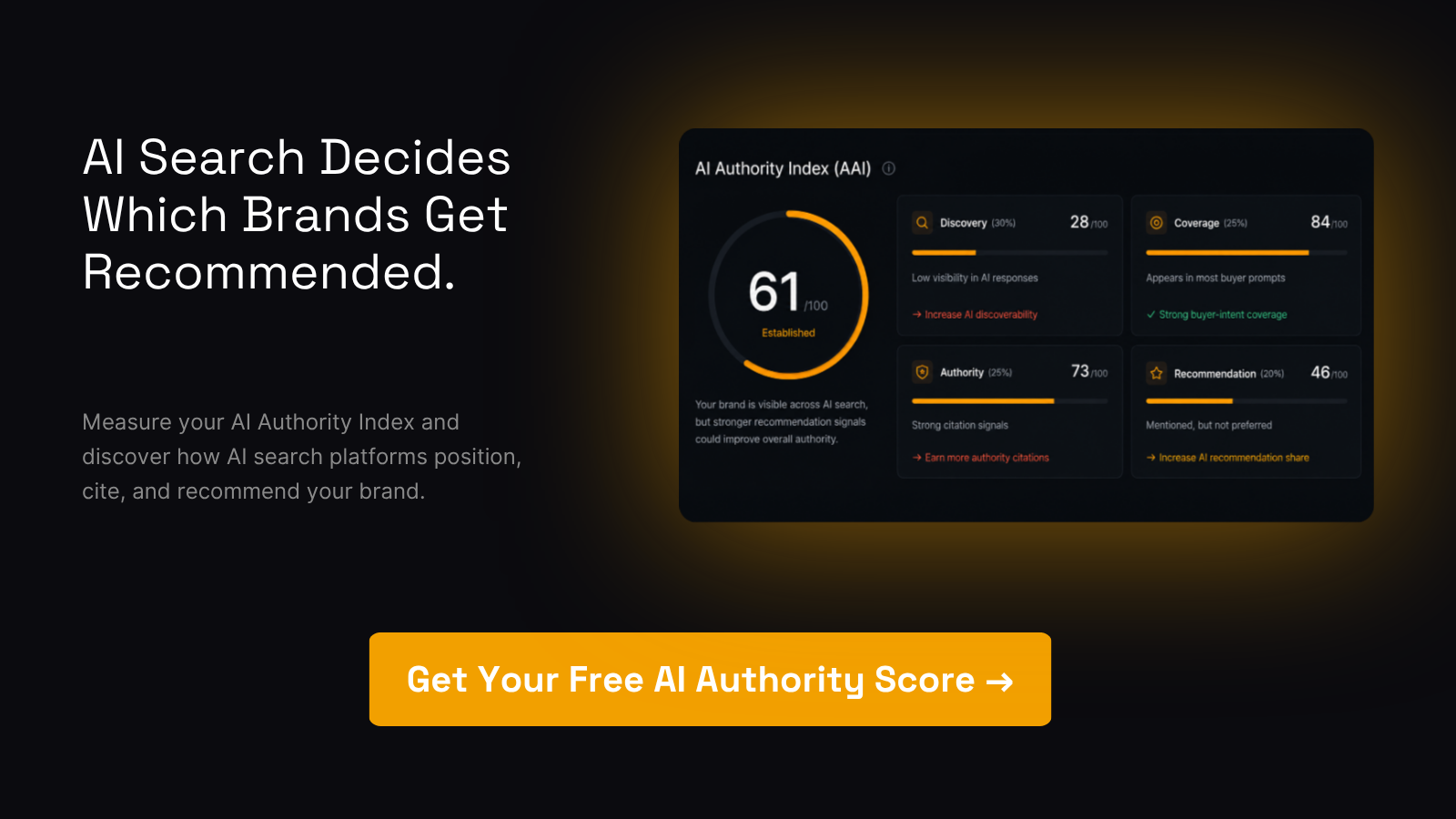
Authoritylayer's AI visibility monitoring platform captures groundingMetadata signals, tracks citation share by surface (Gemini, ChatGPT, Perplexity, Claude), benchmarks your brand against competitors, and surfaces the specific content and schema gaps that are costing you citations. You get a prioritized list of fixes, not a dashboard of numbers with no context.
Run a free AI visibility scan to see where your brand stands in AI-generated answers right now.
Sources
- Grounding with Google Search - Interactions API
- Grounding with Google Search | Gemini Enterprise Agent Platform
- Gemini Apps help: sources and related content
FAQ
Can Gemini generate citations automatically?
Yes. When the google_search tool is enabled, Gemini automatically generates search queries, retrieves web results, and attaches inline url_citation annotations to the relevant text spans in its response.
Does Gemini hallucinate citations?
It can. Independent monitoring has documented cases of broken links, mismatched excerpts, and citations to pages that do not support the claim Gemini made. Verify every source before relying on it.
Is Gemini a credible source for research?
Gemini's grounded responses are more reliable than ungrounded ones, but the model is a synthesis tool, not a primary source. Cite the underlying grounded sources directly in formal research, not Gemini itself.
How do you properly cite Gemini in academic or professional work?
Attribute the response to Google Gemini, include the date accessed, summarize the prompt, and link to the conversation if shareable. When Gemini cites grounded sources, cite those primary sources separately using the URLs from the Sources panel.
How do you tell if a Gemini response was grounded?
Look for the Sources panel or inline citation chips in the consumer app. In the API, check for a populated groundingMetadata object. No sources and no groundingMetadata means the response was not grounded on live web content.